
Capture
Capture any part of your screen.
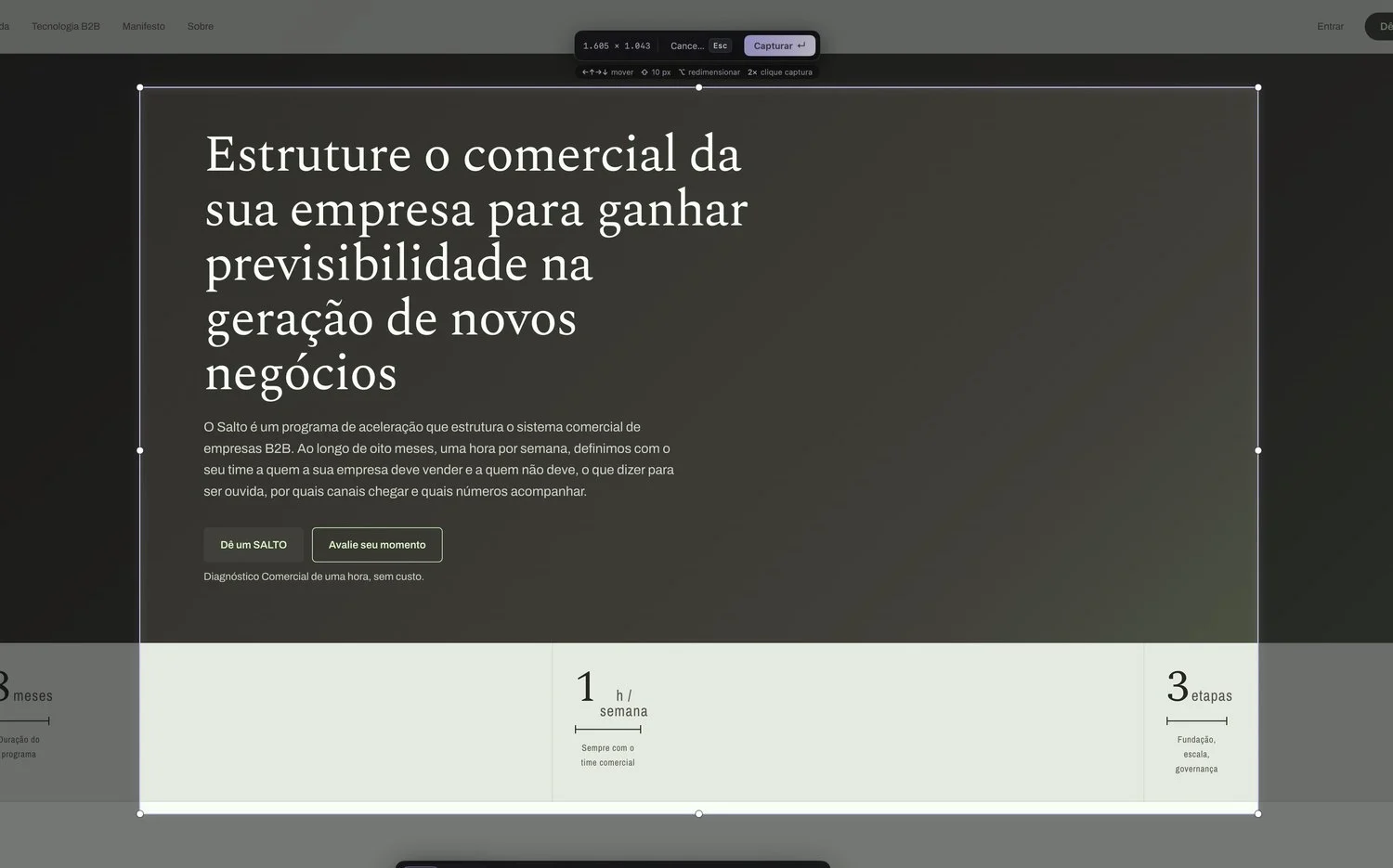
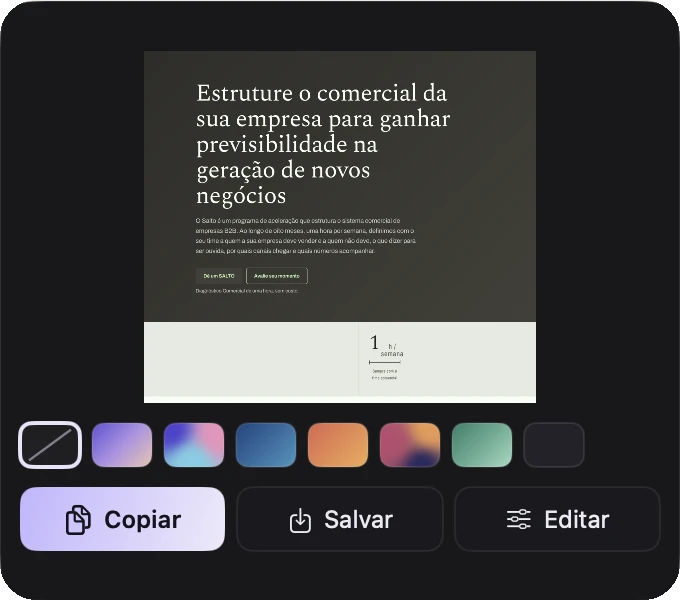
Area, window or full screen, with the size in pixels as you drag. Then the quick panel lets you copy, save or open it in the Editor without leaving what you were doing.
Capture any part of your screen, make it beautiful in one click and turn your screenshots into guides that look like your brand.
DMG · 4.3 MB · No sign-up · Download from GitHub
Area, window or full screen, with the size in pixels as you drag. Then the quick panel lets you copy, save or open it in the Editor without leaving what you were doing.
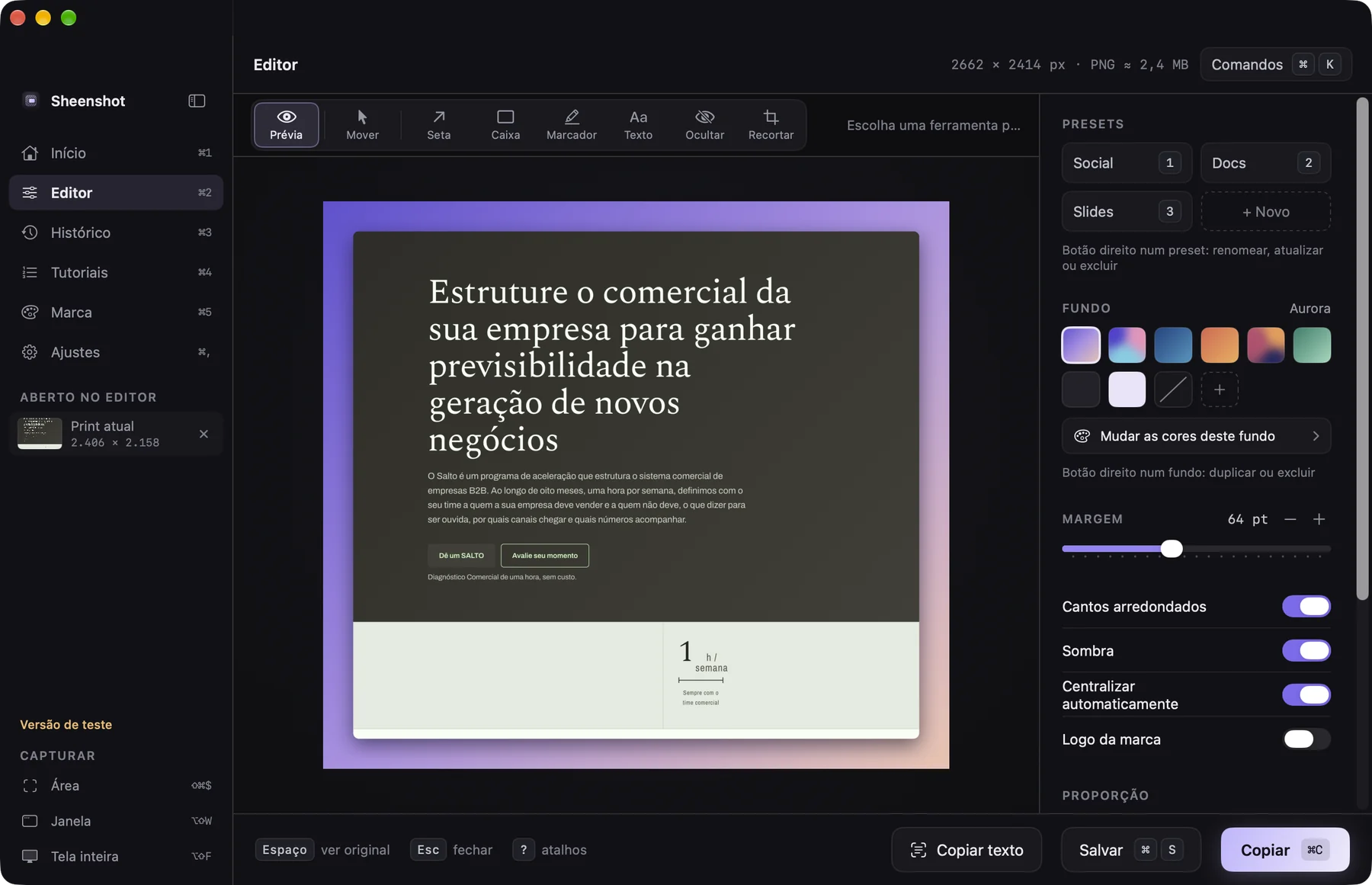
Ready-made backgrounds, padding, shadow and rounded corners. Arrows, boxes, highlighter and text to explain. Hide sensitive data and copy the text inside the screenshot.
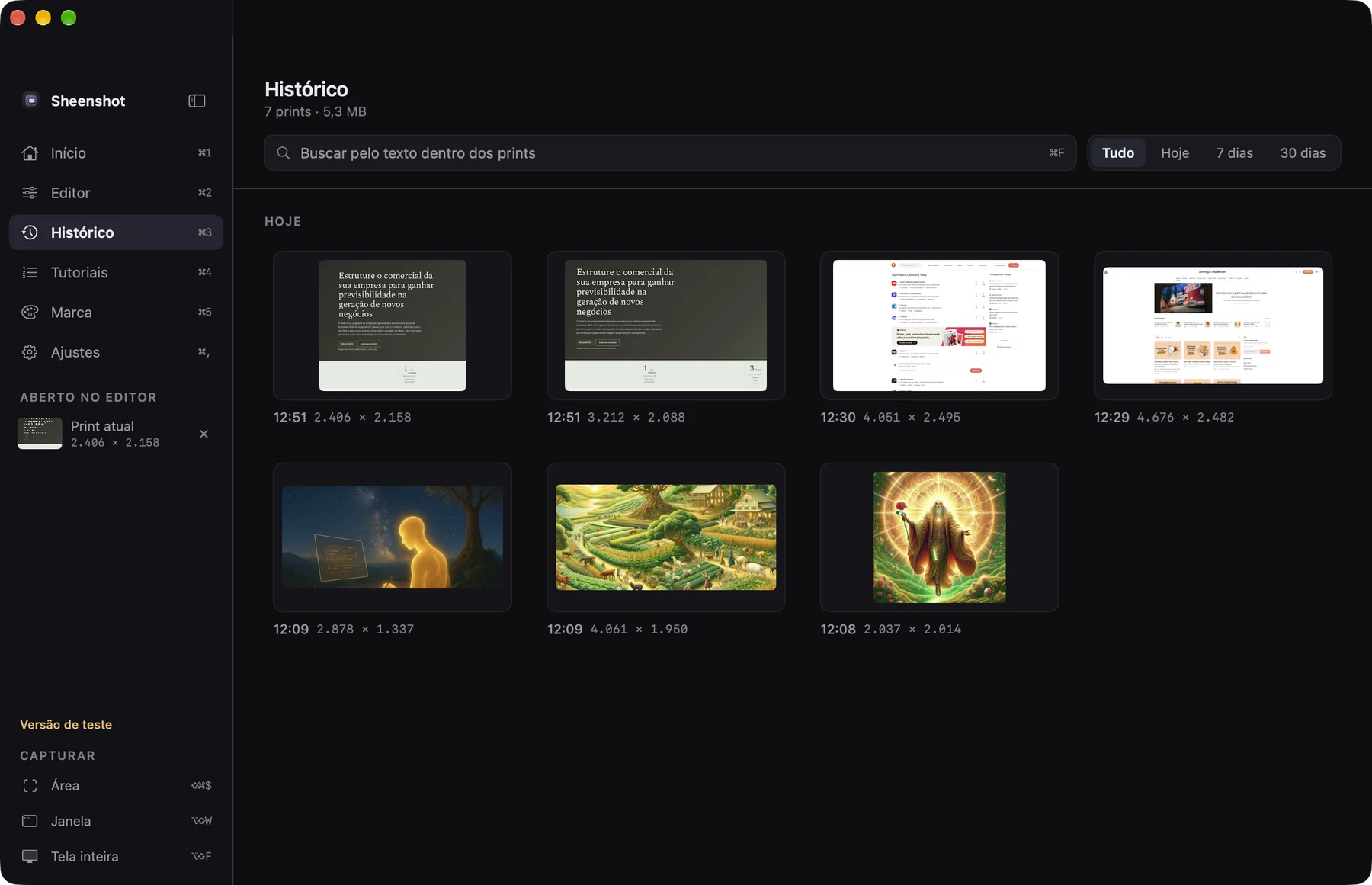
Sheenshot reads the text in every screenshot, right on your Mac. Type a word and the right one shows up, even if it is months old.
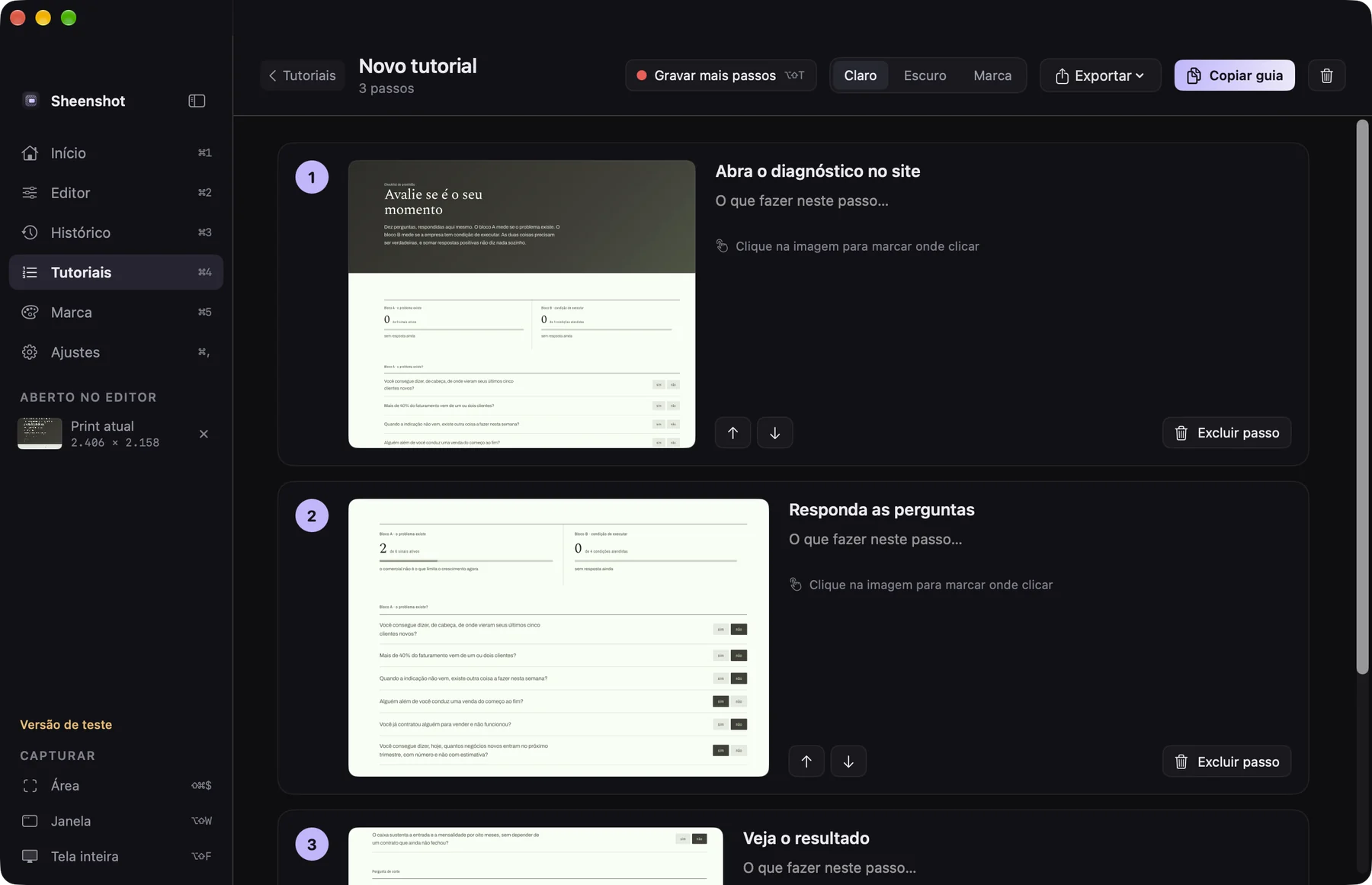
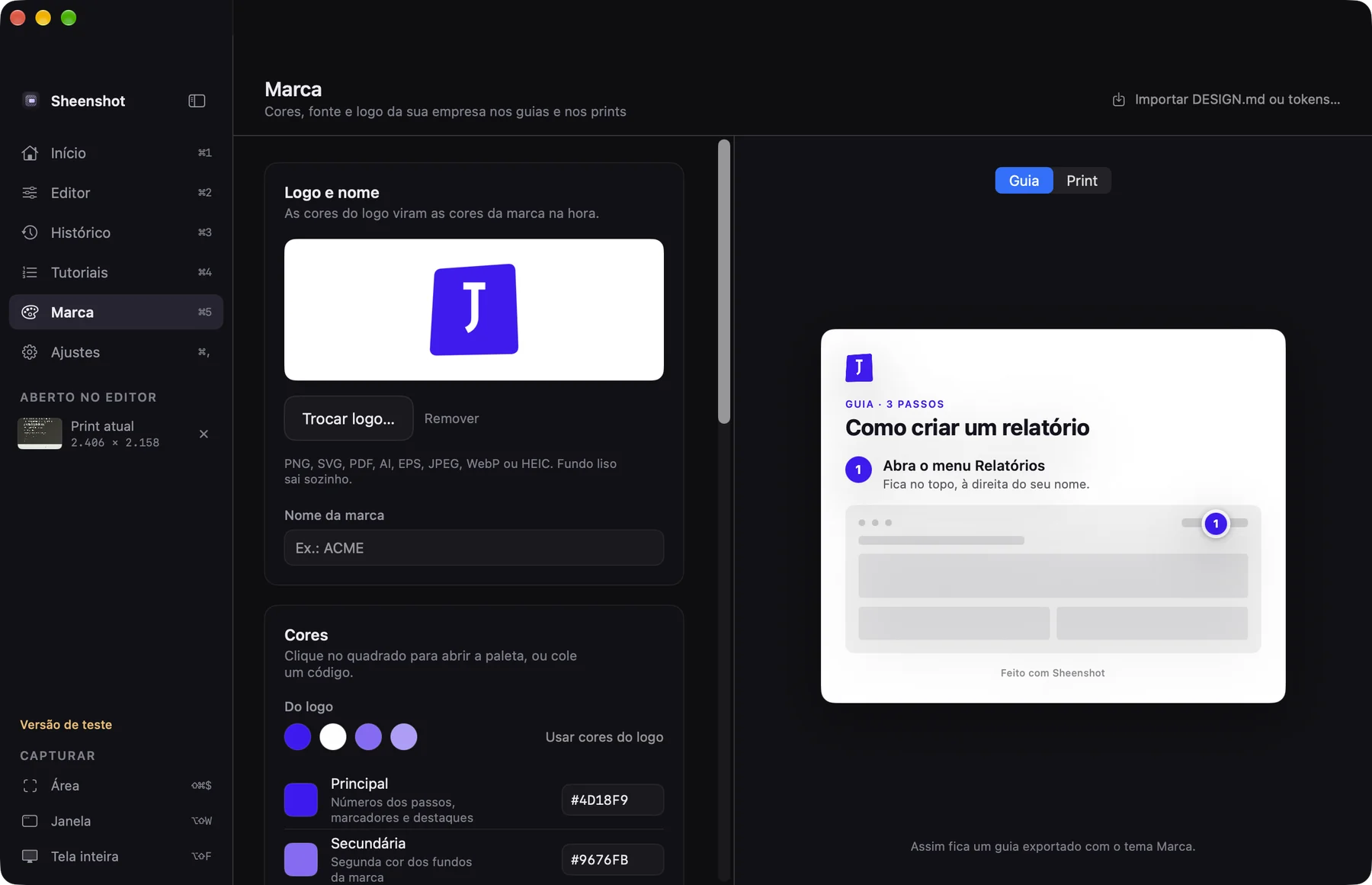
Record a tutorial: every capture becomes a numbered step. Export to PNG, PDF or Markdown for Notion and GitHub, with your company's colors, font and logo.
No account, no cloud. Your screenshots and the text read from them never leave your computer.
It lives in the menu bar and answers its shortcuts from any app. No opening, waiting and searching.
The app follows your Mac's language.
This is the trial version, before the App Store. That is why your Mac asks for a confirmation the first time.
Open the downloaded DMG and drag Sheenshot to the Applications folder.
Open the app. If your Mac says it cannot verify it, go to System Settings › Privacy & Security and click Open Anyway.
On your first capture, macOS asks for this permission. It is what lets Sheenshot see the screen.
Pro is a one-time purchase, no subscription. It arrives with the Mac App Store launch.
Just one note at launch. No spam.
The trial version has not gone through Apple's verification yet; that comes with the App Store launch. The first time, open System Settings › Privacy & Security and click Open Anyway. After that, the app opens normally.
The app tells you the trial is over and stops capturing. Your screenshots stay on your Mac. Join the waitlist to hear when the final version is out.
No. Everything stays on your Mac, including the text Sheenshot reads from screenshots for search. See the privacy policy.
Any Mac running macOS 14 (Sonoma) or later.
No. It is a one-time purchase on the Mac App Store that unlocks Pro for good on your account.
Use the support page. If you can, attach a screenshot of what happened.